
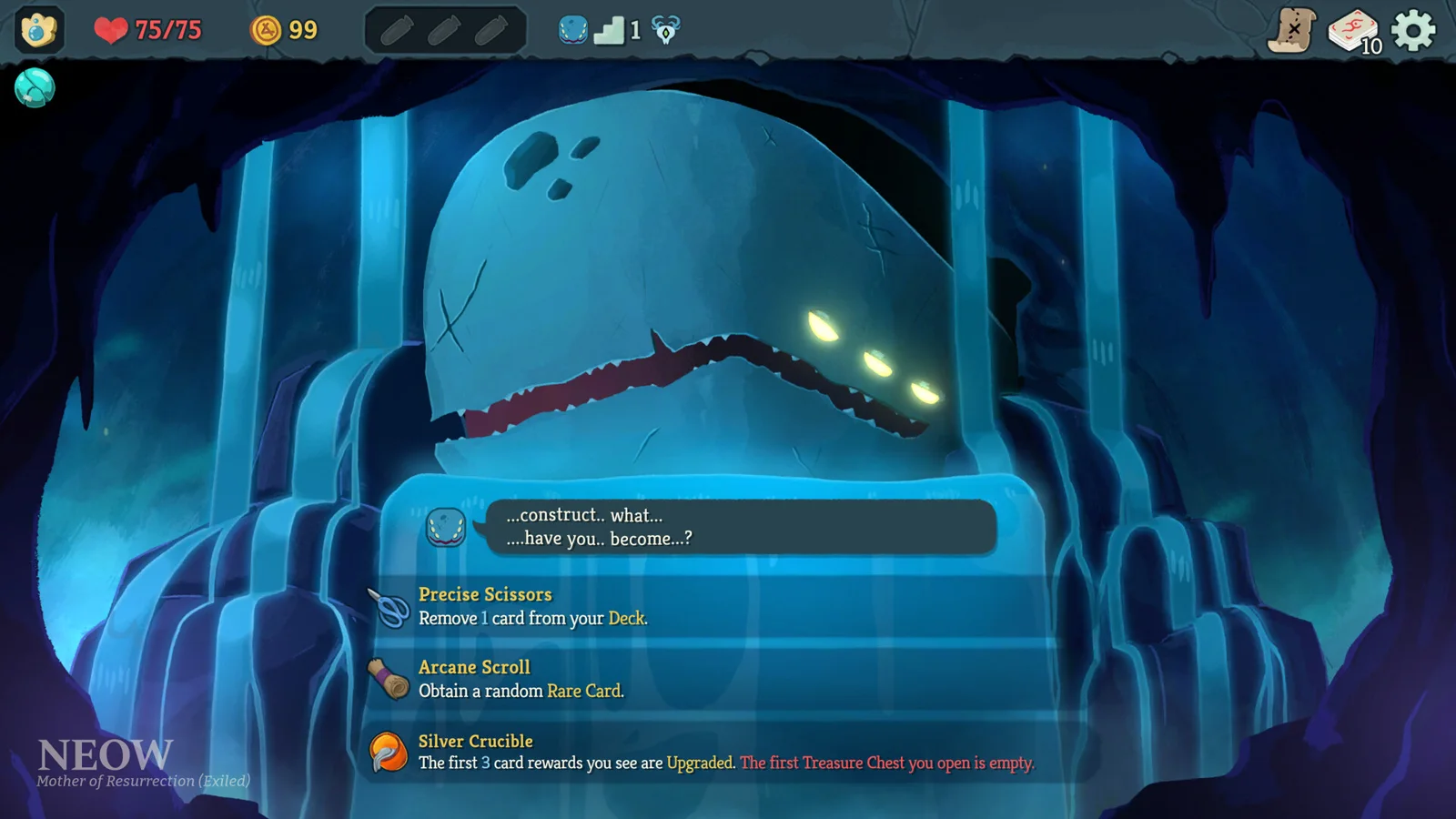
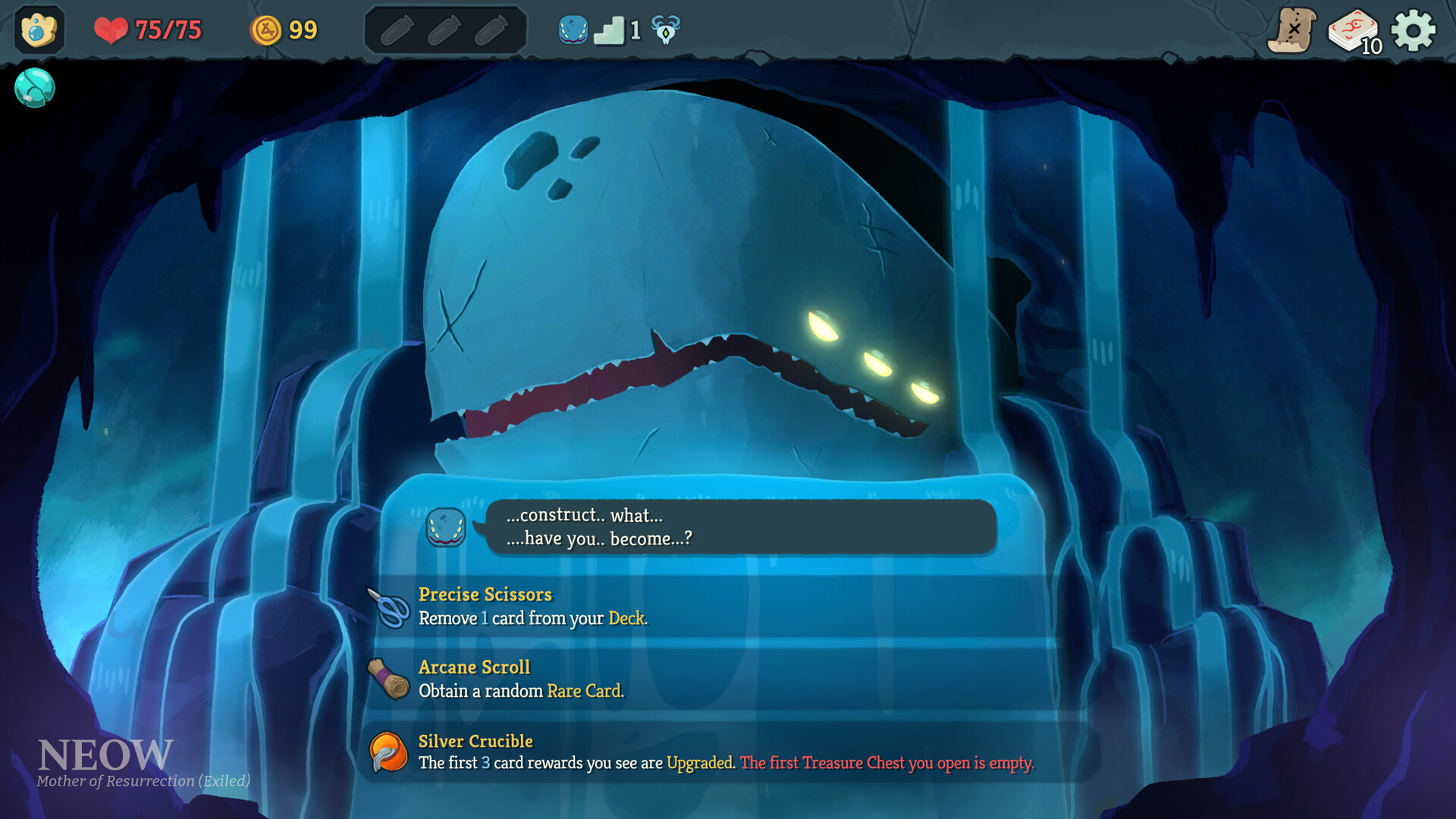
Players have reported The Fool becoming stuck at the opening Neow bonus screen. In one confirmed Reddit exchange, disabling Jorbs’ Spirebird mod allowed bonus selection again. If that mod is installed, checking it is a concrete starting point for this symptom.[2]
On this page
Neow selection issue record
Fool opening reward selection blocked
Community workaround reported
- Build
- Not recorded in the report
- Platform
- Not recorded in the report
- Conditions
- First Fool run at the Neow reward screen. Spirebird was installed in the replies that identify a cause.
- Result
- MessesofMike reports that disabling Spirebird restored selection. BleedingEdge61104 confirms the same cause. This is a community-reported workaround. Playveylo has not reproduced it in the game client.
- Sources checked
Reproduction and verification steps
- Record the exact game build, operating system and enabled mods before changing anything.
- Start a Fool run and record whether the opening reward can be selected.
- For a comparison, close the game, disable Spirebird if installed, relaunch and try a fresh run.
- Keep both outcomes and the mod list with any support report.
Evidence [2]
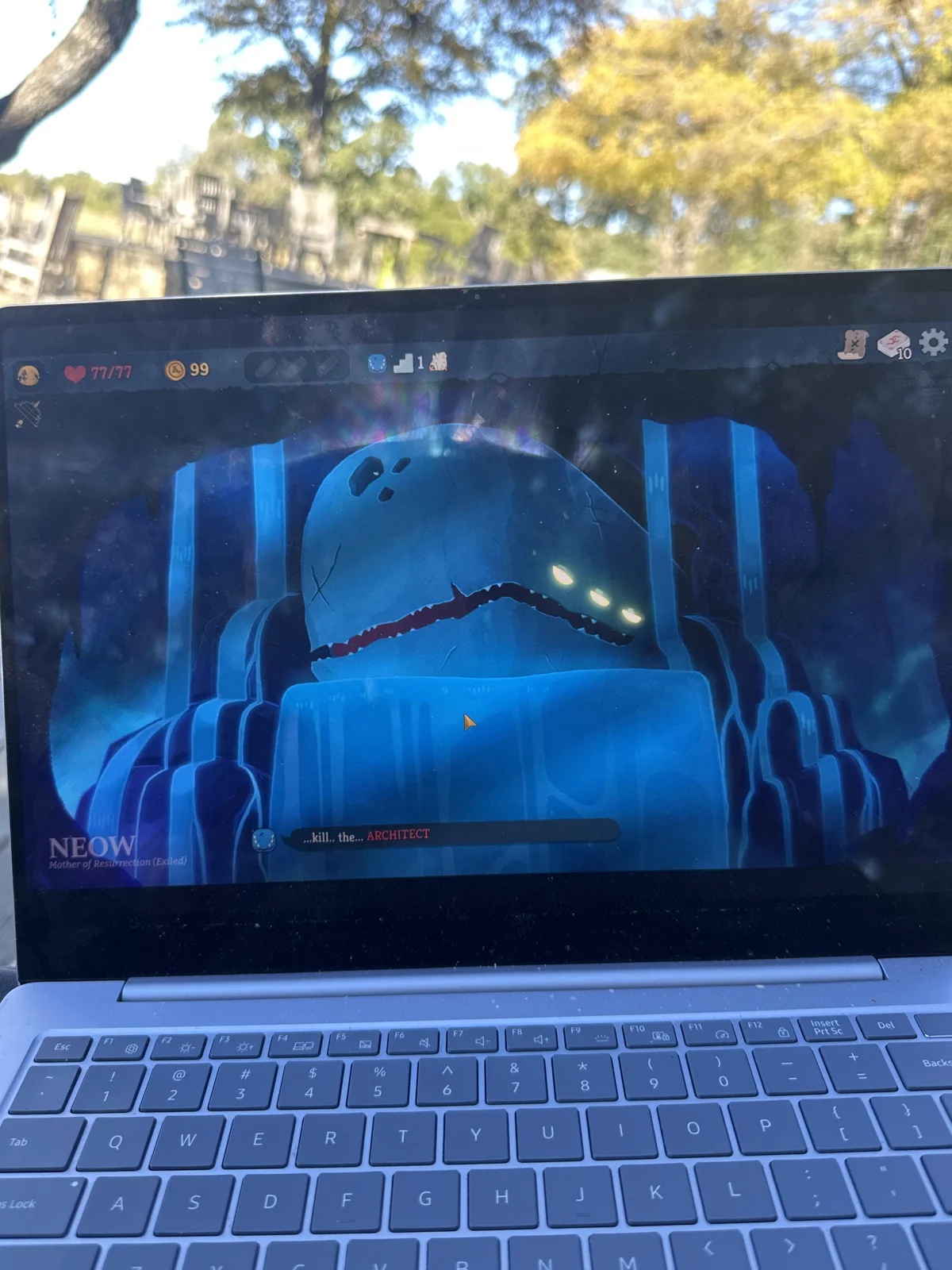
What the forum report establishes
BleedingEdge61104 describes being unable to choose a Neow relic or continue a first Fool run. MessesofMike reports that turning off Spirebird restored selection, and the original poster confirms the same cause. The thread also contains a player whose game started working without a known intervention.[2]
These replies support testing the installed mods against the new beta. Record whether the same opening screen fails in a fresh run and whether selection starts working after a clean launch. That comparison gives a support report a specific trigger and result.[2]
Check the opening screen in a clean launch
- Record the setup
Write down the installed game version, branch and active mods before changing the setup.[2]
- Disable the reported mod
If Jorbs’ Spirebird is installed, disable it through the mod manager used to install it, then restart the game.[2]
- Test a fresh Fool run
Check whether the Neow bonus can be selected and the run can proceed.[2]
- Compare with a clean mod setup
If selection is still blocked, test with the remaining mods disabled for that launch. Keep the result alongside the original mod list.[2]
- Restore compatible mods gradually
When the clean run works, restore updated mods one at a time and repeat the opening-screen check.[2]
What to include if selection is still blocked
Include a screenshot of the blocked reward screen, the character, the game version and the clean-launch result. Mention whether the mouse, keyboard or controller can highlight an option and whether the same input works elsewhere in the menu. These observations help separate a particular reward screen from a wider input issue.[2]
The launch discussion also contains missing-download reports. If the new character itself is absent, use the public-beta access guide first. This Neow checklist starts after The Fool is already available to select.[3]
Sources & verification
Facts last checked Nov 16, 2026. Checking a source does not change the page’s update date.
- Beta Patch Notes - v0.113.0 Mega Crit · official · Published 2026-11-12 · Checked Nov 13, 2026
Full announcement checked through Valve ISteamNews. Applies to public-beta v0.113.0.
Original language: en - Fool not working for anyone else? BleedingEdge61104 and replies on r/slaythespire · community · Published 2026-11-12 · Checked Nov 13, 2026
MessesofMike reports disabling Jorbs Spirebird resolved bonus selection. The original poster confirms the same cause.
Original language: en - Beta Patch Notes - v0.113.0 MegaCrit_Demi / Mega Crit on r/slaythespire · official · Published 2026-11-12 · Checked Nov 13, 2026
Developer announcement and linked discussion. Reader comments are community reports.
Original language: en
Page history
Added a structured version issue record and player-supplied game-screen photo. Recorded exact build and OS as unconfirmed; community Spirebird workaround is attributed to the original reports.
Reviewed official v0.113.0 notes and linked player discussions on 2026-11-13.
A source and a little context help us keep this guide useful.