
Learn the systems. Choose your next step.
Bongo Cat
A desktop companion with taps, collectible cosmetics, layout controls and shared cat interactions.
PCmacOS6 guides & updates
© Irox Games Official source ↗

Before you play
Bongo Cat at a glance
- Store categories
- Casual / Indie / Massively Multiplayer / Simulation[1]
- Developer
- Irox Games[1]
- Publisher
- Irox Games[1]
- Release status
- Available on Steam[1]Steam listing status; this is not a claim about every platform or the date of the original franchise release.
- Desktop coverage
- Windows PC, macOS[1]Only Steam-listed desktop operating systems are included in this hub’s platform filters. Other editions may have separate support.
- Listed play features
- Single-player / Multi-player / Co-op / Online Co-op[1]Store feature labels do not establish universal cross-play, progression sharing or availability in every mode.
- Language reference
- See the official Steam language table[1]Language support can differ by interface, audio, subtitles and edition.
- Current installed build
- Not verifiedNo single current build has been verified across all installations. Dated announcement guides are references, not a live patch service.
Sources & platform scope
Store features apply to the named edition. A source check does not verify your installed game or make historical patch notes current.
- Bongo Cat — official Steam listing · Irox Games / ValveChecked Oct 31, 2026
Choose your next step
01Start with the essentials
Read the first three explanations in order, then use their checklists to prepare your next session.
- Bongo Cat: taps, cosmetics and your first session
- Bongo Cat drop rarity: what the store actually promises
- Bongo Cat UI themes and Paw Pass: October reference
 02
Explore systems and prepare your PC
Continue with the remaining game topics and check the Windows requirements before installing.
- Bongo Cat multiplayer layouts: keep your screen usable
- Bongo Cat friends: patting, emotes and random cosmetics
- Bongo Cat PC requirements: minimum and recommended

Browse by topic
From the official media collection
Inside Bongo Cat
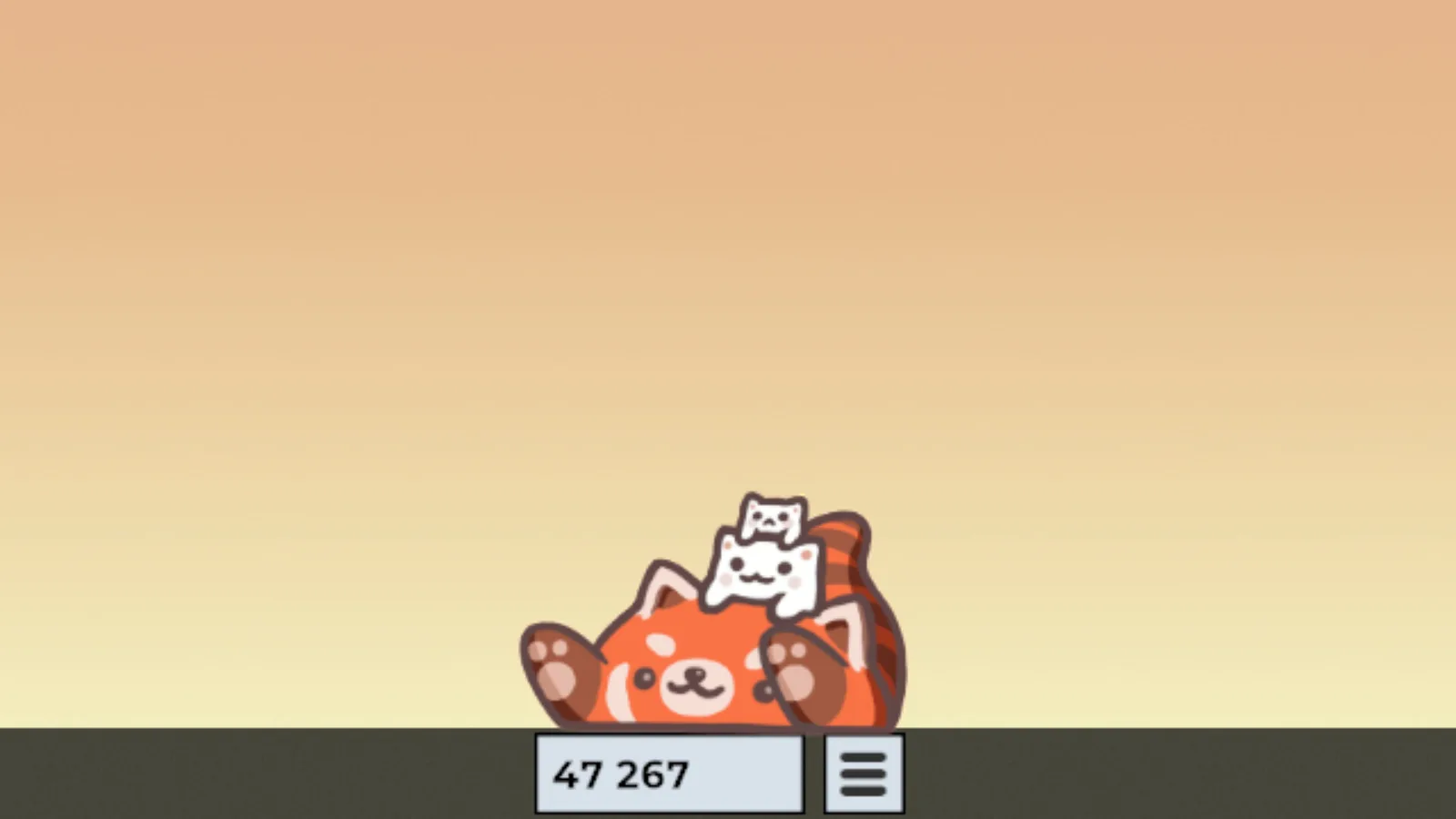
Official publisher storefront screenshots, used as visual context. Promotional images do not verify a current build, every platform or the mechanics in a guide.
View image View image  View image