
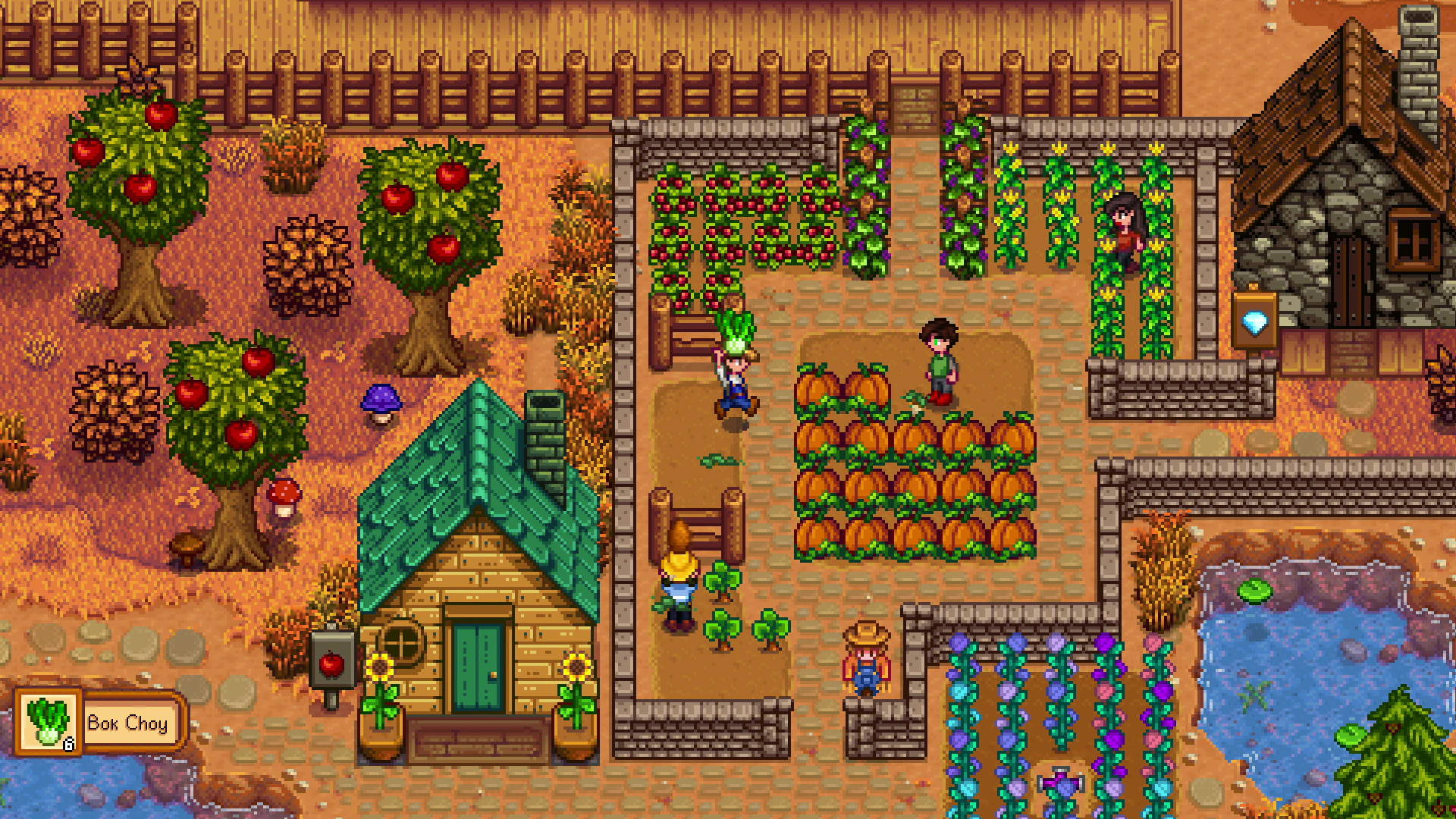
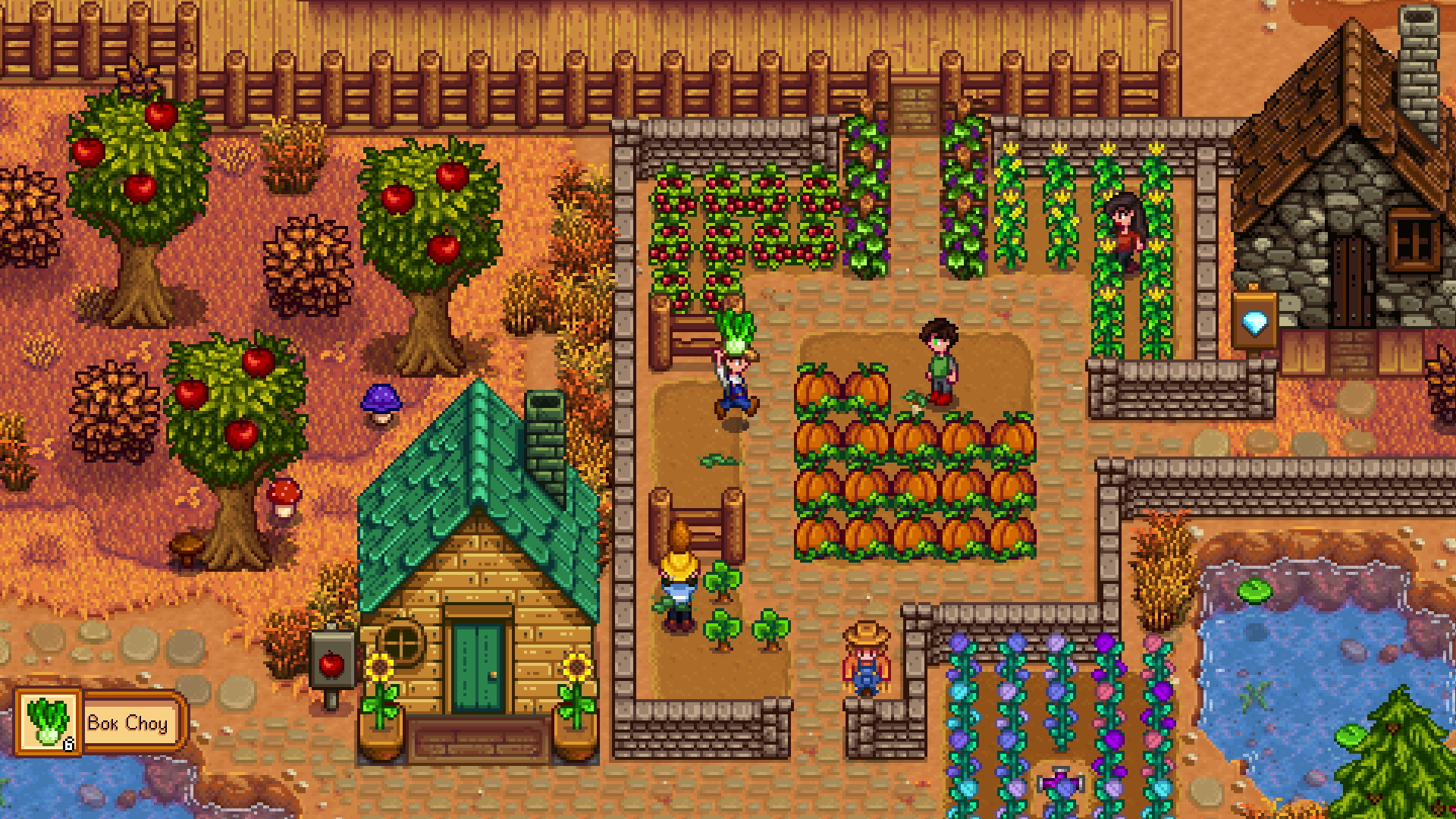
Version 1.6 introduced a matching sapling drop when a fruit tree is chopped down. The official changelog says a higher-quality fruit tree returns a sapling of the same quality, and that higher-quality saplings mature faster. Check the installed version before rearranging a tree.[1]
On this page
Why older advice about chopping differs
In a September tips thread, a player says they discovered the replanting behavior after accidentally hitting a fruit tree with an axe. A reply points to the 1.6 change and recalls the older result of receiving wood. The official changelog confirms the sapling-return feature.[2][1]
For a planned move, record the tree type and quality before removing it. Then inspect the dropped sapling so the replacement can be matched to the original tree. The new location should be ready before the growing period begins again.
What the recovered quality changes
The Orange Tree reference also records the 1.6 sapling drop. The general tree reference gives different growth speeds for higher-quality saplings. Use the recovered item’s quality when planning how long the new planting can take.[3][4]
Moving a productive tree interrupts the current growing and harvesting arrangement. Compare that interruption with a bundle deadline or planned harvest. The recovery feature makes relocation possible while the planting calendar still matters.
Prepare the new position first
- Check the version and tree
Confirm the sapling-recovery feature applies to the installed build and the tree is a fruit tree.[1][4]
- Prepare the destination
Choose a valid position with the required clear area and fruit-tree spacing.[1][4]
- Recover and inspect the sapling
Chop the fruit tree, collect the matching sapling and read its quality.[1][4]
- Replant and keep the area clear
Plant at the prepared position and delay nearby paths or machines until the tree is mature.[1][4]
Use the Greenhouse growth guide for a blocked replant
The forum discussion also mentions planting fruit trees around the Greenhouse border and adding nearby equipment after maturity. If the recovered sapling will not plant or grow, check the destination’s adjacent tiles and the tree-spacing guide.[2]
Sources & verification
Facts last checked Nov 13, 2026. Checking a source does not change the page’s update date.
- Stardew Valley 1.6 Update Full Changelog ConcernedApe · official · Checked Nov 13, 2026Original language: en
- Tips and tricks? Notyerbusiness and replies on r/StardewValley · community · Published 2026-09-28 · Checked Nov 13, 2026Original language: en
- Orange Tree Stardew Valley Wiki · reference · Checked Nov 13, 2026Original language: en
- Fruit Trees Stardew Valley Wiki · reference · Checked Nov 13, 2026Original language: en
Page history
Reviewed primary references and original player discussions on 2026-11-13.
A source and a little context help us keep this guide useful.