
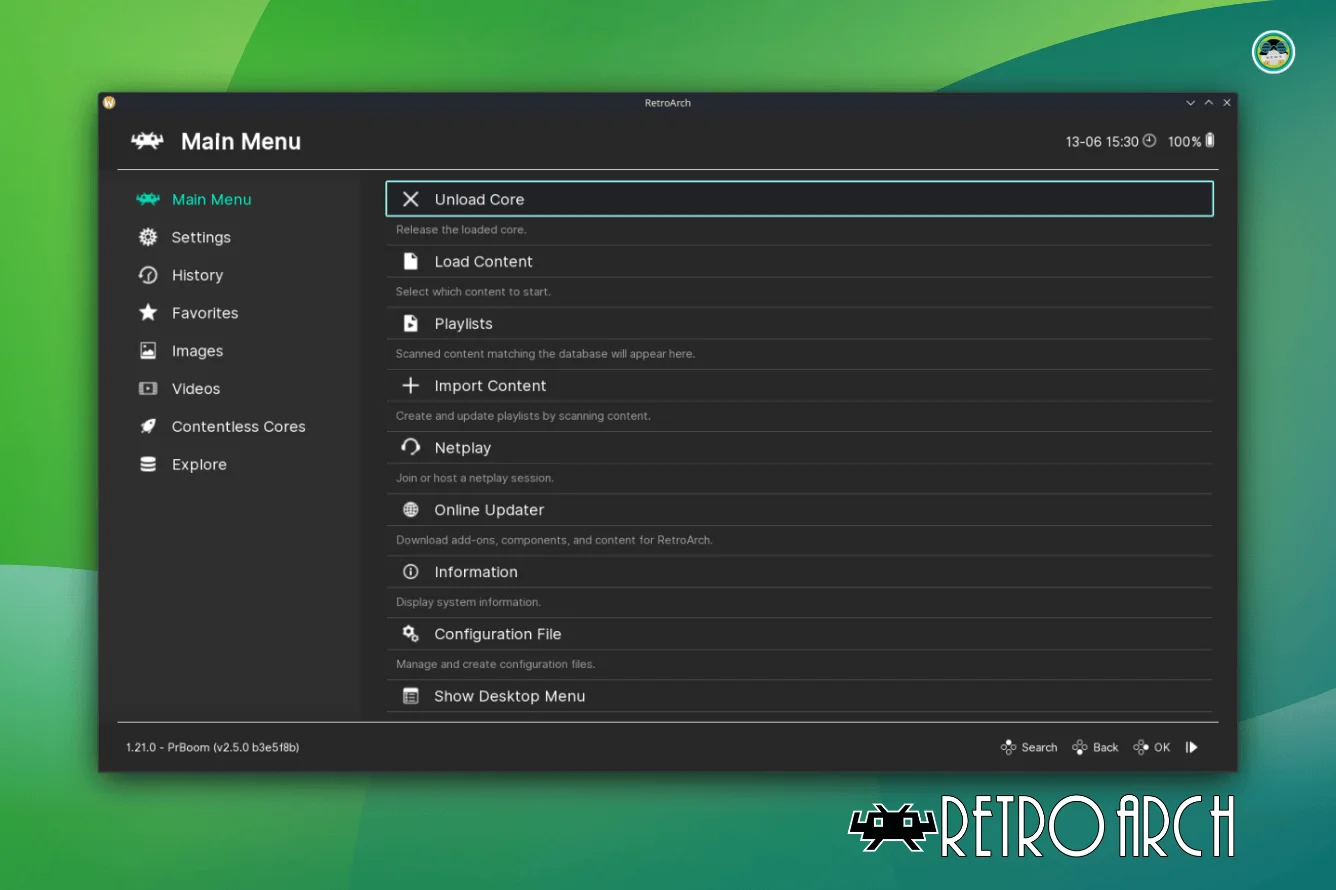
RetroArch (current stable 1.22.2, October 2026) is a front-end that runs emulator cores — self-contained emulation engines downloaded individually from within the app. One program covers dozens of systems because each system is a core.[1]
A first session follows three moves: install cores for the systems you care about, point RetroArch at your content directory so it can scan and build playlists, then load content and adjust shaders or controls. Community starter guides budget about thirty minutes for the full loop.[1]
What a core is
A core is a packaged emulator (or game engine) speaking libretro's standard interface. The official core list documents which file formats each core prefers, which matters when a game will not load.[1]
The first thirty minutes
Download cores from the Online Updater, import content with the scanner, and set a hotkey for save states early. Steam, Android and desktop builds all follow the same model, so the knowledge transfers.[1]
Where RomM fits
RomM complements RetroArch as a library layer: it organizes a multi-device collection, scrapes metadata, and can even serve content to players. Many setups use both.[2]
Sources & verification
Facts last checked Nov 5, 2026. Checking a source does not change the page’s update date.
- Libretro documentation libretro team · official · Checked Nov 5, 2026
Official RetroArch and core documentation.
Original language: en - RomM — official documentation RomM project · official · Checked Nov 5, 2026
Official quick start and stack reference.
Original language: en
Page history
Add cross-referenced sources to own list
A source and a little context help us keep this guide useful.