
RomM ships with EmulatorJS and RuffleRS, so games from a self-hosted library run directly in the browser tab — no separate emulator install, no per-platform configuration.[1]
Browser play covers the classic 8/16-bit systems well and reaches PlayStation-era cores on capable hardware, with RomM's save sync keeping states consistent when you switch devices. Expect best results on Chromium-based browsers.[1][2]
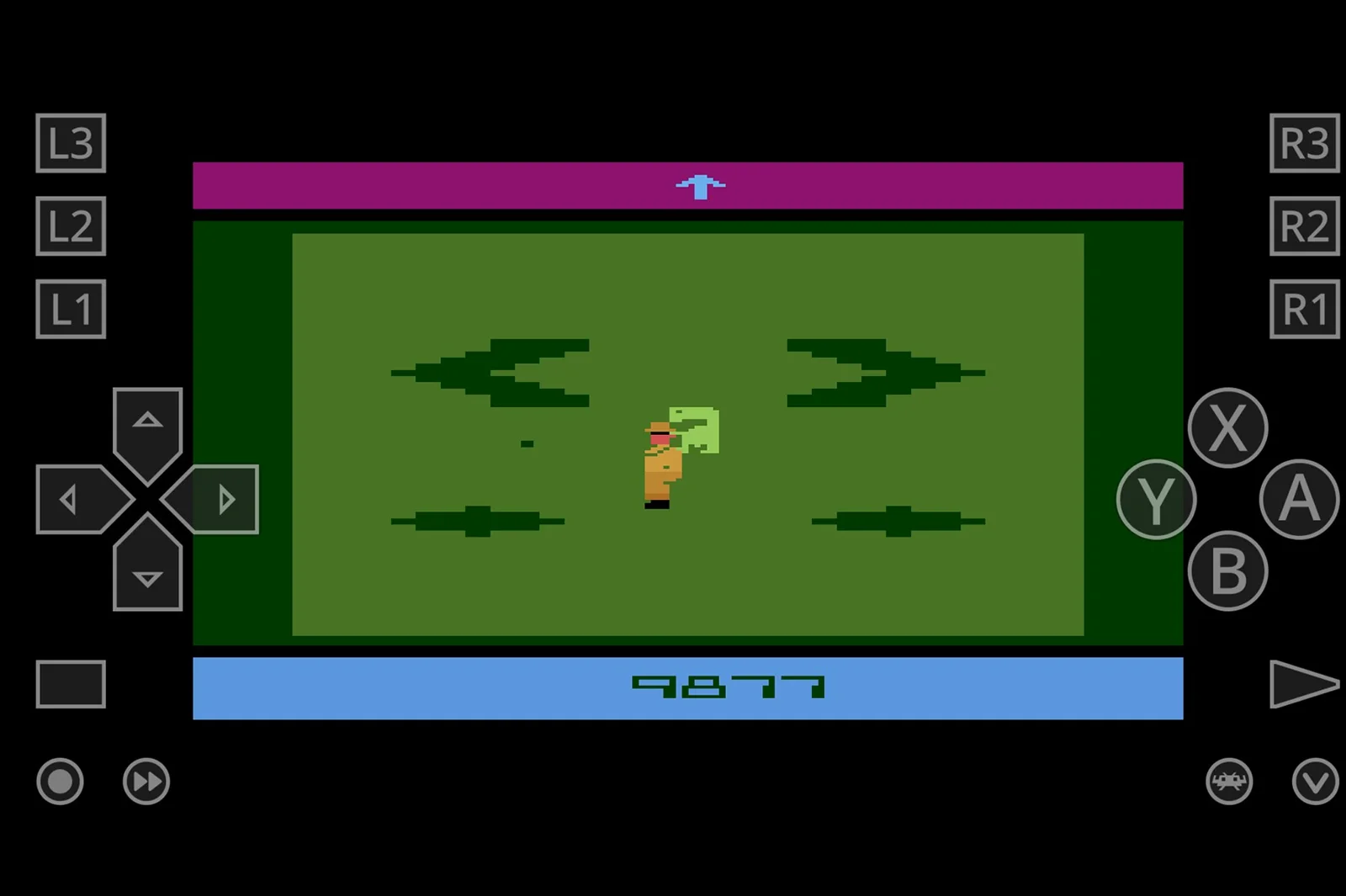
How browser play works
RomM streams the ROM from your library to the embedded EmulatorJS runtime; the browser does the emulation locally. Flash-era content runs through RuffleRS. Nothing is uploaded anywhere — the server is yours.[1]
Performance expectations
2D systems are effectively flawless; fifth-generation 3D consoles depend on the device's CPU. For demanding systems or CRT shaders, native RetroArch cores remain the high-water mark — the browser is for convenience.[1]
Sources & verification
Facts last checked Nov 5, 2026. Checking a source does not change the page’s update date.
- rommapp/romm — GitHub repository RomM project · official · Checked Nov 5, 2026
Project repository and feature list.
Original language: en - RomM — official documentation RomM project · official · Checked Nov 5, 2026
Official quick start and stack reference.
Original language: en
Page history
Retro emulation hub batch
A source and a little context help us keep this guide useful.