
For Windows QB Anti-Cheat error 49666, Ubisoft verifies a local r6s-folder rename procedure. Ticket R6S-5291 is marked Done, but still provides this workaround and a way to report remaining failures. No fixed game build is named.[1]
On this page
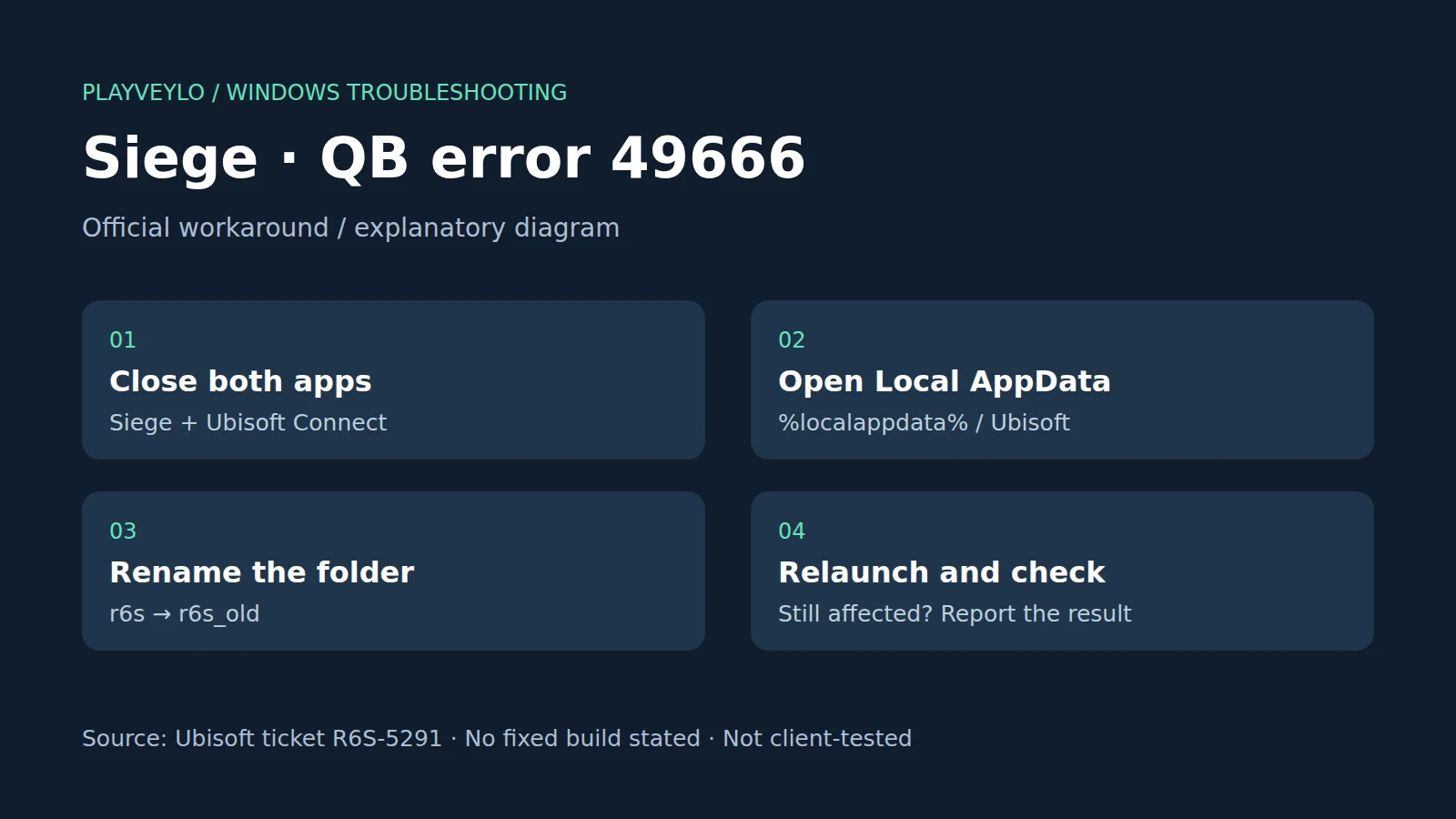
Try the official folder-rename procedure
- Close Siege and Ubisoft Connect
Use Task Manager to check that both have exited; minimising them is insufficient.[1]
- Open Local AppData
Press Windows+R, enter %localappdata%, then open Ubisoft.[1]
- Rename only the r6s folder
Change r6s to r6s_old. Keep any existing backup; do not overwrite it. This procedure does not remove the whole Ubisoft folder.[1]
- Launch again and check
Open Ubisoft Connect, then Siege. If 49666 remains, report that result through ticket 5291 rather than assuming Done guarantees recovery.[1]
If it returns when changing accounts
Shared-PC account-switch recurrence
Player report · unresolved
- Build
- Not recorded in the report
- Platform
- Windows PC
- Conditions
- Two Siege accounts share one PC.
- Result
- Community report; a permanent shared-PC solution is not established.
- Sources checked
Reproduction and verification steps
- A Steam participant says a change that helps one account leaves the other with49666.
Evidence [4]
PraymantusTJR describes this account-switch pattern. The latest reply suggests an October NVIDIA driver, without a driver number, GPU or reproducible test. It does not establish a rollback fix for 49666.[4]
For a useful follow-up, record which account fails, the exact error, game/launcher versions, GPU and driver number, the last account switch, and the outcome after the folder rename. Keep your account identifiers private when posting publicly.[4][1]
Match the error before choosing a remedy
An anti-cheat download stuck fetching updates is a separate ticket, R6S-3840, currently Planned. Ubisoft suggests allowing the background download time before restarting, or using its linked installer. That ticket redirects 49666 cases to 5291. Open the official ticket to obtain the current installer link.[2]
The FSGSBASE launch message is another separate issue. Ubisoft’s response in R6S-5229 concerns CPU instruction support and minimum requirements. It does not describe the r6s-folder workaround as a CPU-compatibility fix.[3]
In-match crashes, executable deletion and data-centre edits appear in the Steam discussion with mixed outcomes. They are not established as interchangeable remedies for these different error messages.[4]
What was checked
This guide compares the rendered Ubisoft tickets with the original Steam thread and all 19 replies. We have not reproduced the fault in a game client. The illustration is an original procedure diagram, not a game screenshot.[1][2][3][4]
Sources & verification
Facts last checked Nov 22, 2026. Checking a source does not change the page’s update date.
- Ubisoft-verified workaround for error 49666 Ubisoft · official · Checked Nov 22, 2026
Rendered full ticket read. Last updated November20; first publication and fixed build not stated. Official status/comment and verified workaround distinguished from user reproduction reports.
- Ubisoft guidance for anti-cheat update timeouts Ubisoft · official · Checked Nov 22, 2026
Rendered full ticket read. Planned; last updated November17. Official verified workaround links49666cases to 5291.
- Ubisoft response to the FSGSBASE launch error Ubisoft · official · Checked Nov 22, 2026
Rendered full ticket and Ubisoft response read. Need More Information; not an error 49666repair.
- Steam players discuss recurring QB49666 errors Steam Community · community · Checked Nov 22, 2026
Original and all 19 replies read across two pages. Mixed workaround outcomes, shared-PC recurrence and one month-only NVIDIA rollback anecdote; no controlled reproduction or exact driver build supplied.
Page history
Correct spacing in the diagram caption and source title; procedure and factual claims unchanged.
Publish the Ubisoft-verified QB 49666 procedure and distinguish shared-PC reports from update-timeout and driver anecdotes.
A source and a little context help us keep this guide useful.