
S-GAME specifies Windows 10/11 64-bit, DirectX 12, 16 GB RAM and an SSD. Its published performance targets use upscaling. The calculator below checks RAM and storage only; it does not estimate GPU performance.[1]
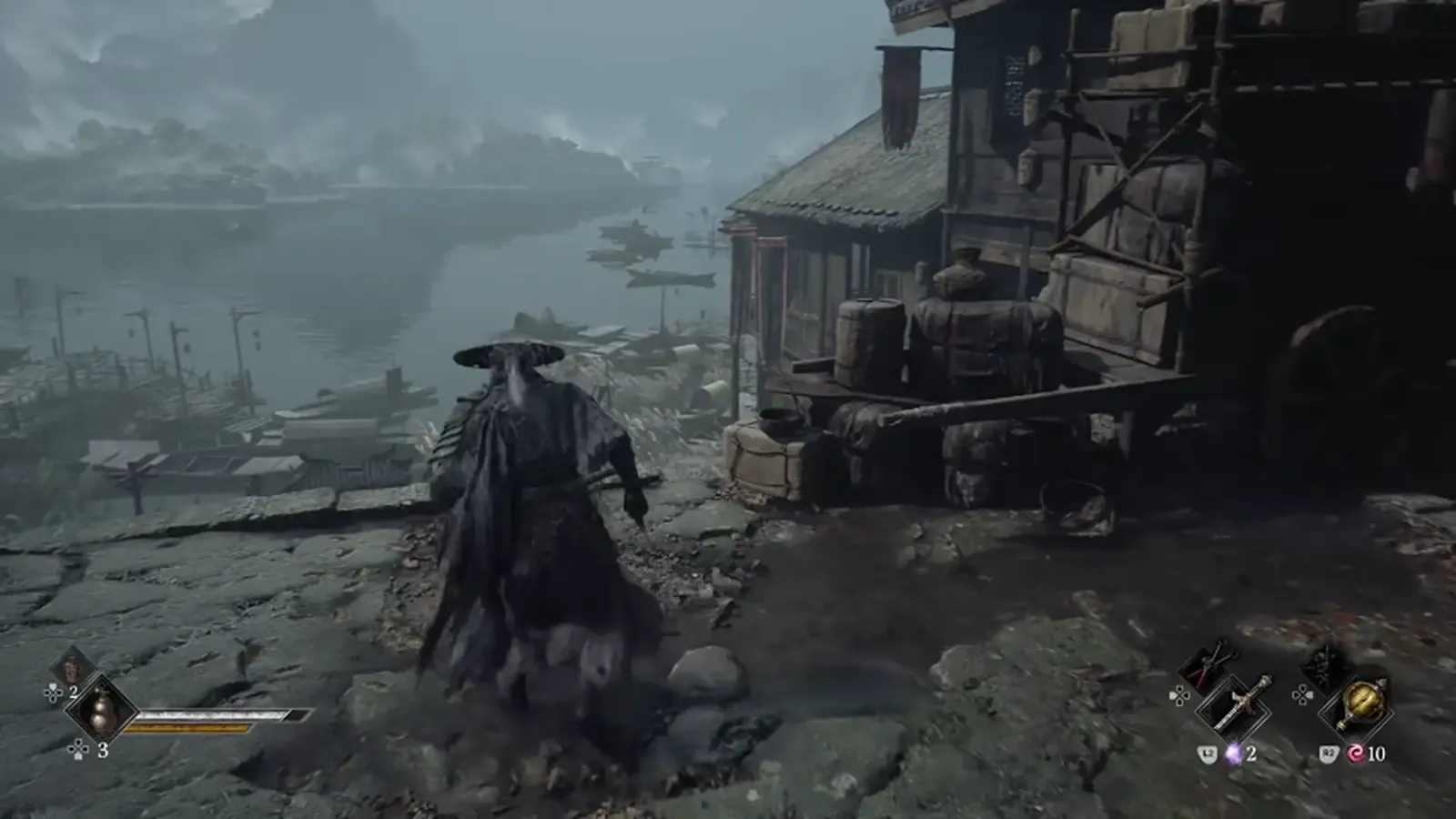
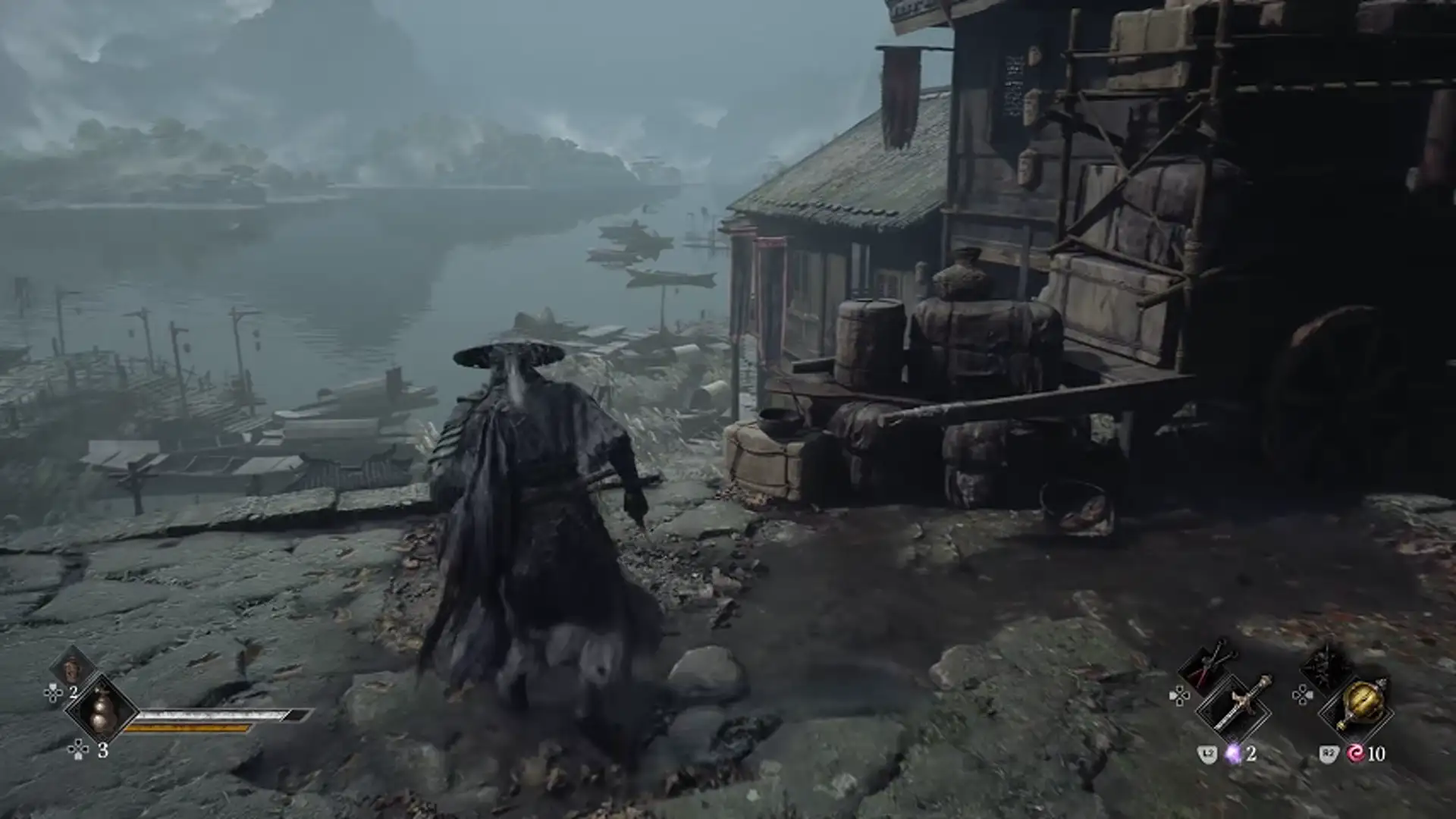
Check your RAM and SSD space
Published capacity checks: 16 GB RAM; 160 GB free on the target SSD for downloading, unpacking and verification, according to the official support FAQ. The earlier pre-load notice asked for 300 GB temporary free space.
Enter your capacities to calculate any shortfall.
This checks capacities only. It cannot rank CPUs or GPUs, predict frame rates, detect your hardware, or guarantee a successful installation. Future updates may need more space.
On this page
Minimum: published 1080p / 30 FPS target
CPU: Intel Core i7-8700K or AMD Ryzen 5 3600. GPU: GTX 1660 6 GB or Radeon RX 5500 XT 8 GB. These are named reference configurations, not a promise that every similarly named component performs equally.[1]
Recommended: published 1440p / 60 FPS target
CPU: Intel Core i5-10600K or Ryzen 5 5600X. GPU: RTX 3060 Ti 8 GB or Radeon RX 6700 XT 12 GB. RAM remains 16 GB; an SSD and upscaling are still specified.[1]
Ray tracing is a separate workload
The Chinese requirements list RTX 5060 8 GB for a 1080p / 60 FPS ray-tracing target, and RTX 5080 16 GB for a 2160p / 60 FPS path-tracing target, with upscaling. These GPU entries do not replace the CPU, RAM and SSD requirements.[1]
Installation space and temporary space differ
The official Chinese support page describes an approximately 150 GB package and requires at least 160 GB free on the target SSD for download, unpacking and verification. This is now the calculator’s default installation reference. Updates may need more working space.[4]
Steam lists 145 GB available space; the earlier preload announcement asked for at least 300 GB free during preload staging. These refer to different notices and processes. The 300 GB reference remains historical, not the claimed installed footprint.[2][3]
Sources & verification
Facts last checked Oct 31, 2026. Checking a source does not change the page’s update date.
- PC配置需求 / Official PC system requirements S-GAME · official · Published 2026-08-12 · Checked Oct 31, 2026Original language: zh-CN
English summary translated from the Chinese original by Playveylo; hardware model names are preserved.
- Phantom Blade Zero on Steam S-GAME / Valve · official · Checked Oct 31, 2026Original language: en
- Ready your blade! S-GAME / Steam · official · Published 2026-10-26 · Checked Oct 31, 2026
Announcement text verified through Valve’s public ISteamNews API; the web article can be access-restricted.
Original language: en - Official Chinese customer support: settings and troubleshooting S-GAME · official · Checked Oct 31, 2026
Full FAQ body read: six setup notes and sixteen question-and-answer entries, plus support-form information. The page does not state a publication date or a game build. Driver recommendations are a dated snapshot.
Original language: zh-CNEnglish factual adaptation by Playveylo from the Chinese original; not an official English translation. Commands, paths, hardware models and numeric requirements are preserved. Editorial precautions and source ambiguities are identified separately.
Page history
Checked the official Chinese support FAQ: changed the default free-space reference to 160 GB; preserved the separate 145 GB Steam listing and historical 300 GB preload figure. Bumped capacity rules to v2.
Published after checking the listed primary sources and attributed reporting; exact game build remains unconfirmed.
A source and a little context help us keep this guide useful.